MoehammadAbizar_01

Categories
Project IT

Smart Trash Bin

Smart Trash Bin

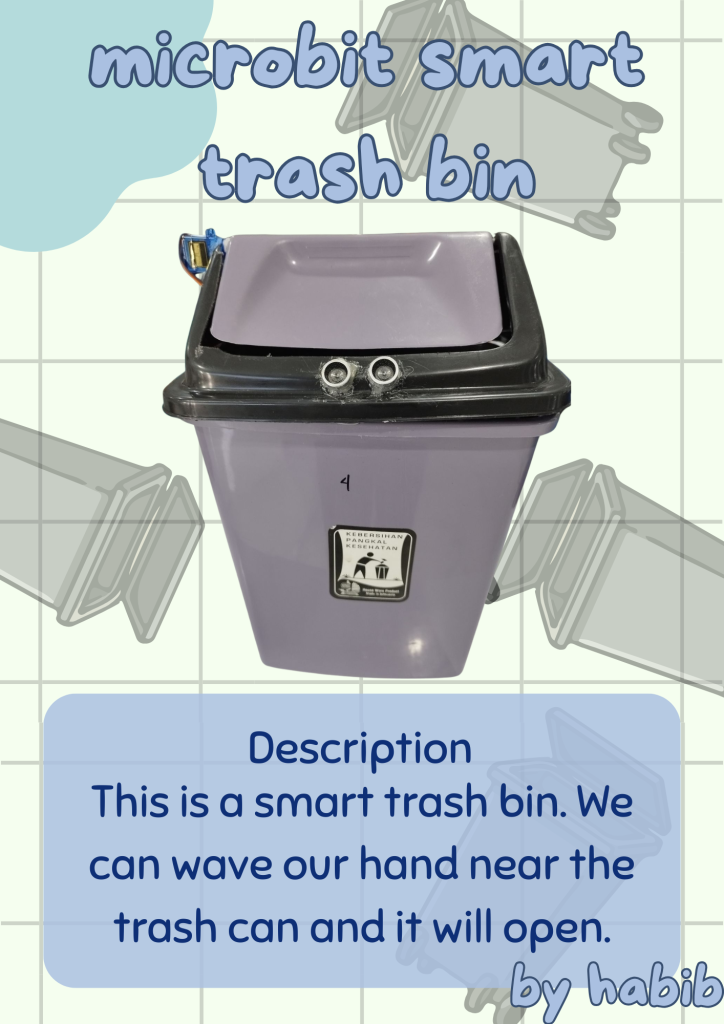
Hello, as-salamu alaykum warahmatullahi wabarakatuh. So today I have created a new project, namely a microbit smart trash bin. This is a smart trash can, so when we bring our hand close to the sensor on the smart trash bin at a distance of 4 cm, the trash can lid will open. I will explain the components used: there is an ultrasonic sensor, a microbit, jumper cables, and a servo. Okay, for more details, you can watch the video below.

Categories
Project IT Uncategorized

Tinybit Hand Gesture

Tinybit Bluetooth Controller

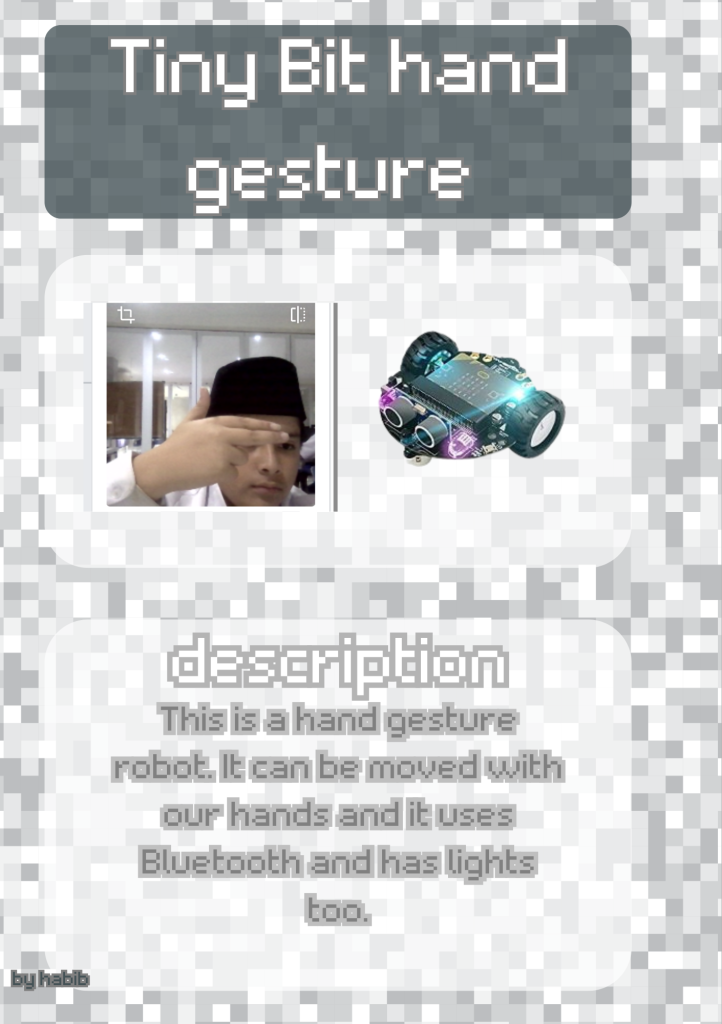
Hello, my name is Said Muhammad Abizar, you can call me Habib. I am from class 7A, and today I am working on a project called Tinybit Hand Gesture. This robot has lights that can be changed and an ultrasonic sensor. The reason this robot is called Hand Gesture is because it is not controlled by a remote or keyboard, but by our hand movements. We use Makecode for the coding because we also use Microbit. If you want to know more, you can watch the video below.

Categories
Project IT Uncategorized

Tinybit Bluetooth Controller

Tinybit Bluetooth Controller

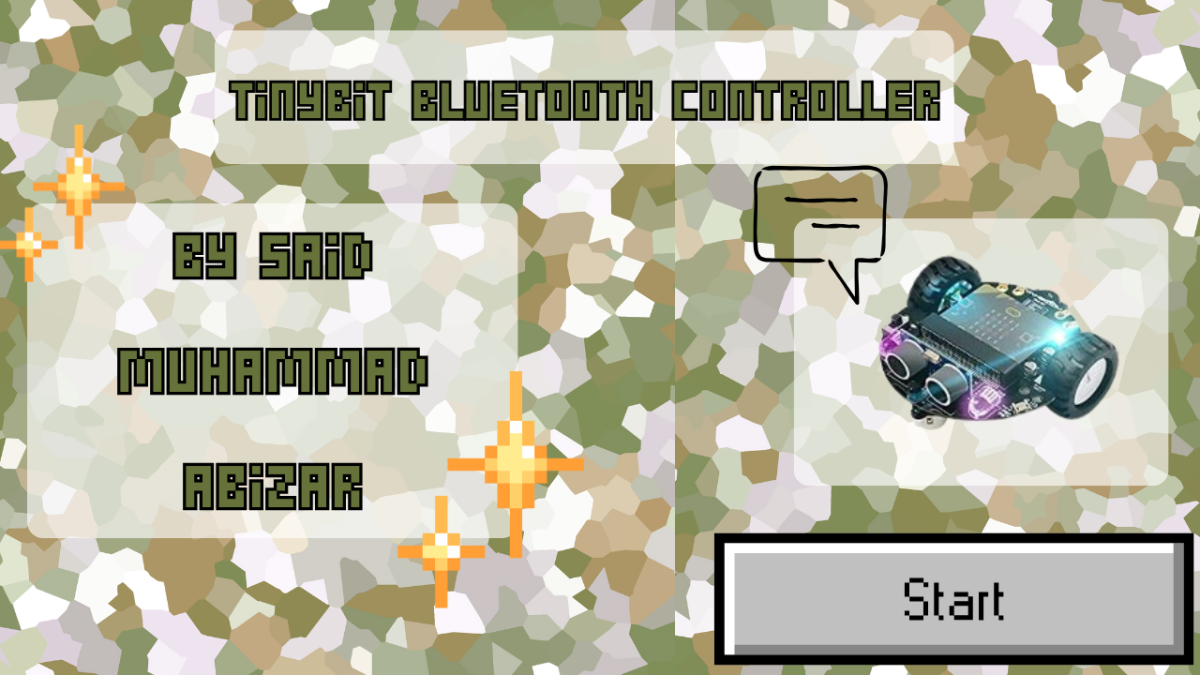
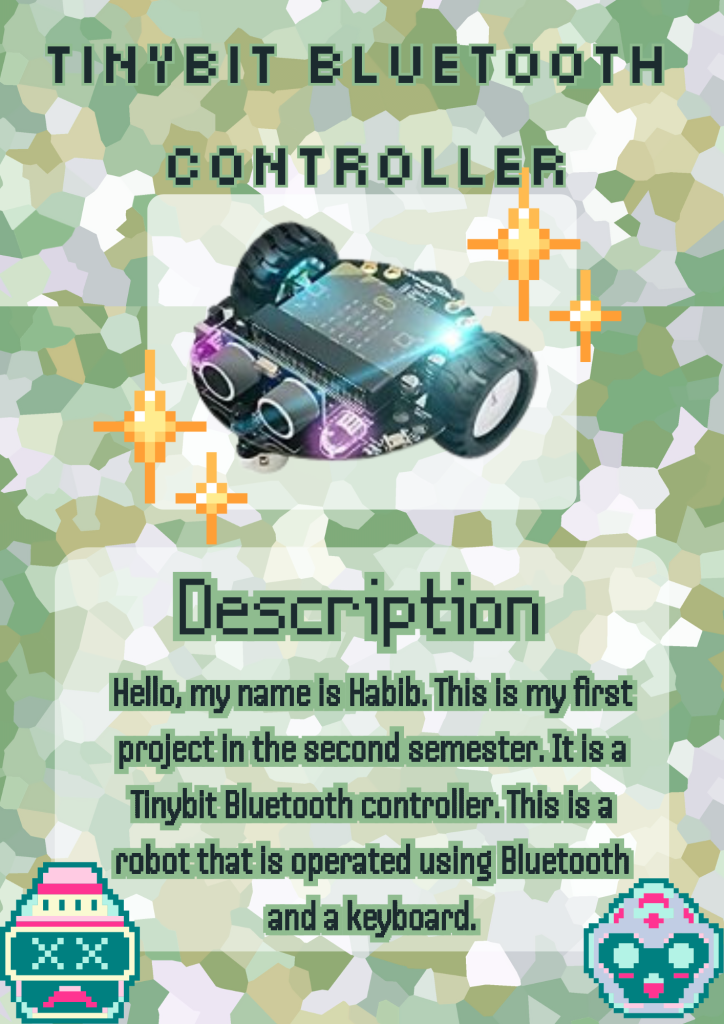
Hello, my name is Habib. I am from class 7A at IDN Boarding School, and today I have completed one project, namely the Tinybit Bluetooth controller. What is Tinybit? Tinybit is a robot that uses Microbit and is coded using Make Code and runs on a Lufi robot card board. We can operate this robot using the arrow keys on the keyboard or the buttons on the cardboard, and it also has an ultrasonic sensor

Categories
Project IT Uncategorized

The Devender

The Defender

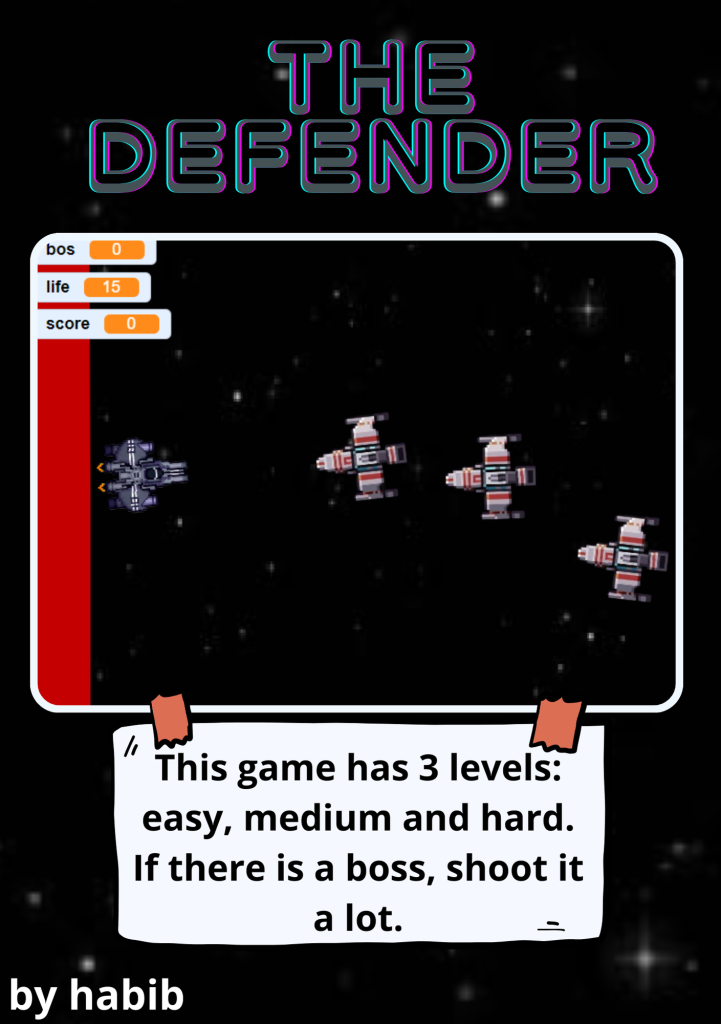
Hello, my name is Habib. What we see here is a Scratch game called ‘Tank the Defender.’ In this game, there is a boss and enemies, you control the tank with the mouse, and there is a box with a space game background. To create this game, you need to arrange or code the blocks in Scratch, then add the existing sprites. To play, press the arrow keys to move left or right, so you only need to press the arrow keys to move left or right. Now, play it below.

Categories
Project IT Uncategorized

bomberman

Bomberman

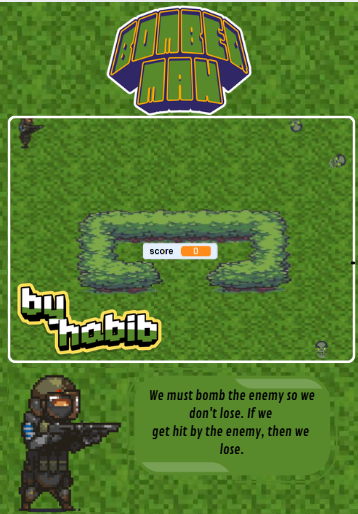
Hello, today I am creating a new game called Bomberman. In this game, we move using the keyboard. So, in this game there are enemies and enemy bosses. We shoot bullets until they are all dead. If we hit an enemy sprite, it will spit fire and we lose. In programming, we will add a new block, which is to create a clone of ourselves, and we can shoot it using the spacebar on the keyboard. The sprite has movement effects on its legs and body.

Categories
Project IT Uncategorized

IT Tutorial

IT tutorial

Hello, my name is Habib. Today I made an IT tutorial video about dakwah posters, so I made it using Canva and chose the background from Canva. The theme is night and the content is about how praying two rakaats before dawn is better than the world and everything in it. I also took the text from Canva and looked at examples from the internet and tried to imitate the images and writing, which are yellow and white.

Categories
Project IT Uncategorized

Ninja Fruit

Ninja Fruit

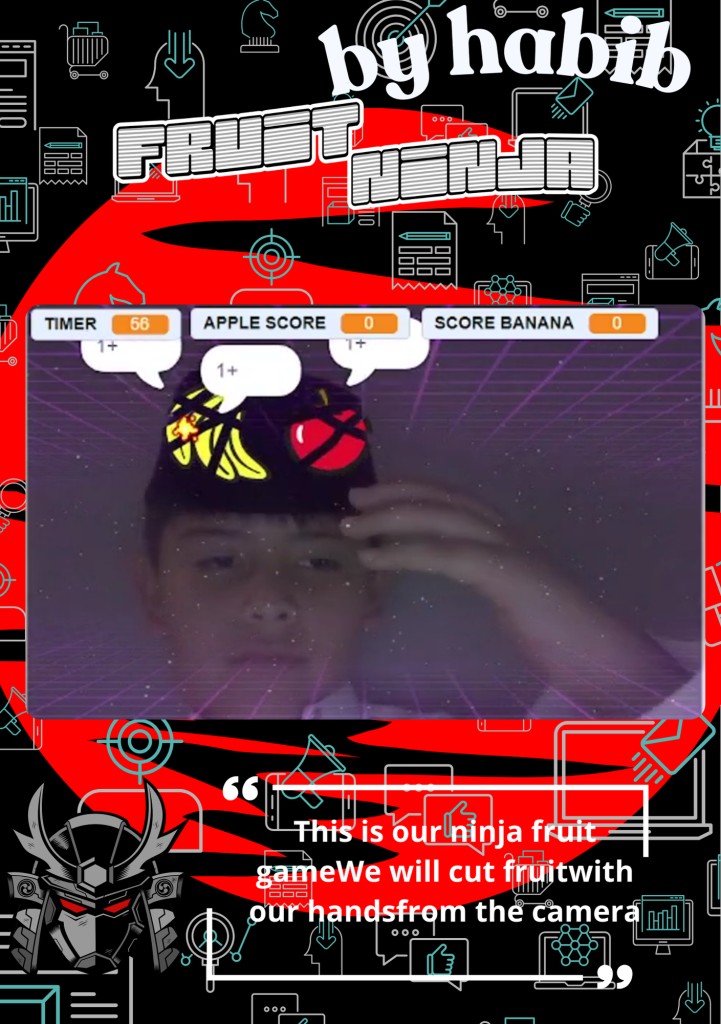
Hello, today I made a new game called Ninja Fruit. In this game, we don’t move it with the buttons on the keyboard, but we cut it with
our hands. So in this game, there is a camera. We point our hands at the fruit. If we hit the fruit sprite, we get one point. If we hit the boom sprite ,
the boom will shoot out fire and we will lose. In the coding, we will add a new block, which is video sensing.

Categories
Project IT Uncategorized

game block breaker

Block breaker

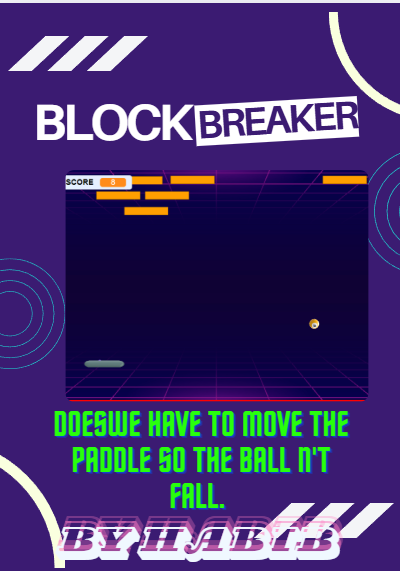
 Hello, my name is Habib . What we see here is a Scratch game called “Block Breaker.” In this game, there is a ball paddle and a box with a neon game background. To create this game, you need to arrange or code the blocks in Scratch, then add existing sprites. To play, press the arrow keys to move left or right, so you only need to press the arrow keys to move left or right. Now, play it below.


Categories
Project IT Uncategorized

Take me out

Take Me Out

Hello everyone!
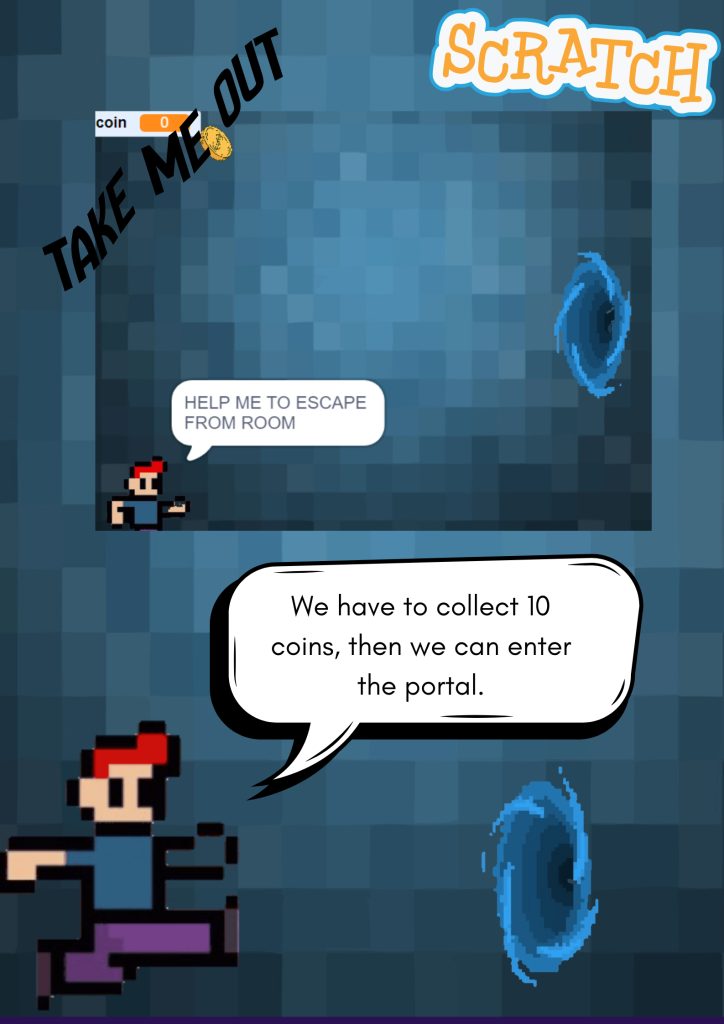
My name is Habib, and I created a Scratch game called “Take Me Out”. In this game, the player controls a character who must collect coins to open the door and escape. The more coins you collect, the faster you can unlock the door and move to the next level.

The game is simple but exciting. You need to move quickly, avoid obstacles, and think fast to collect all the coins. I made this game to practice my creativity and coding skills in Scratch. It was really fun to design the character, make the coins sparkle, and add sound effects.
Categories
Project IT Uncategorized

Personal website

Personal website

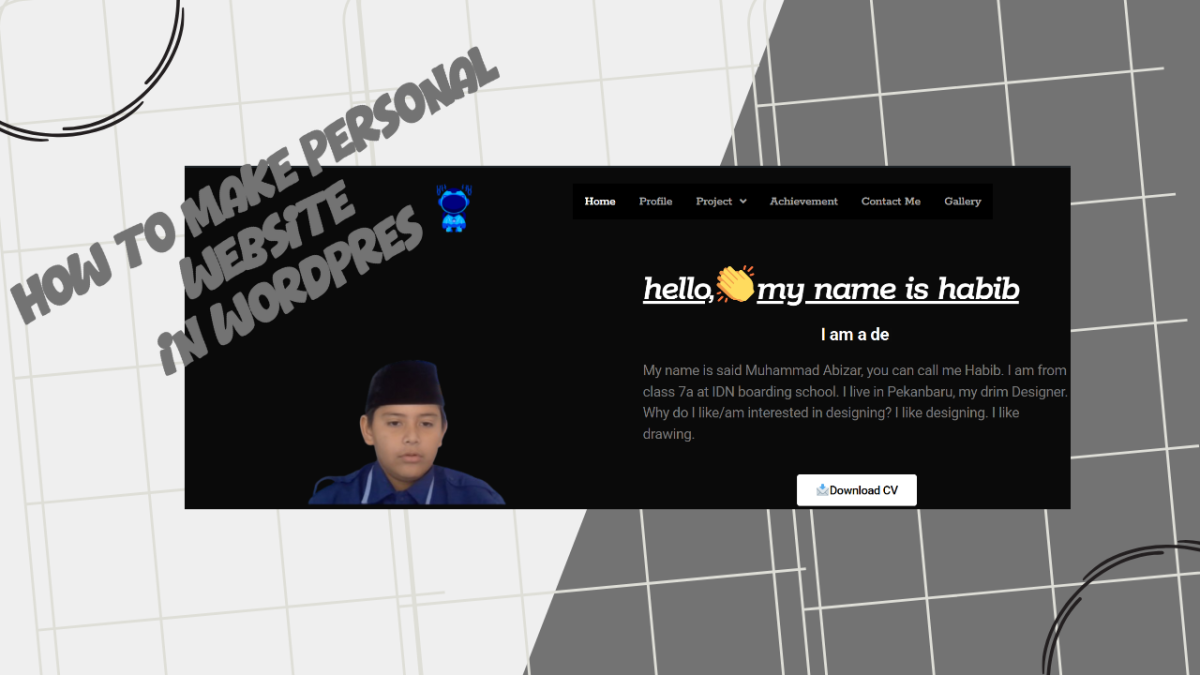
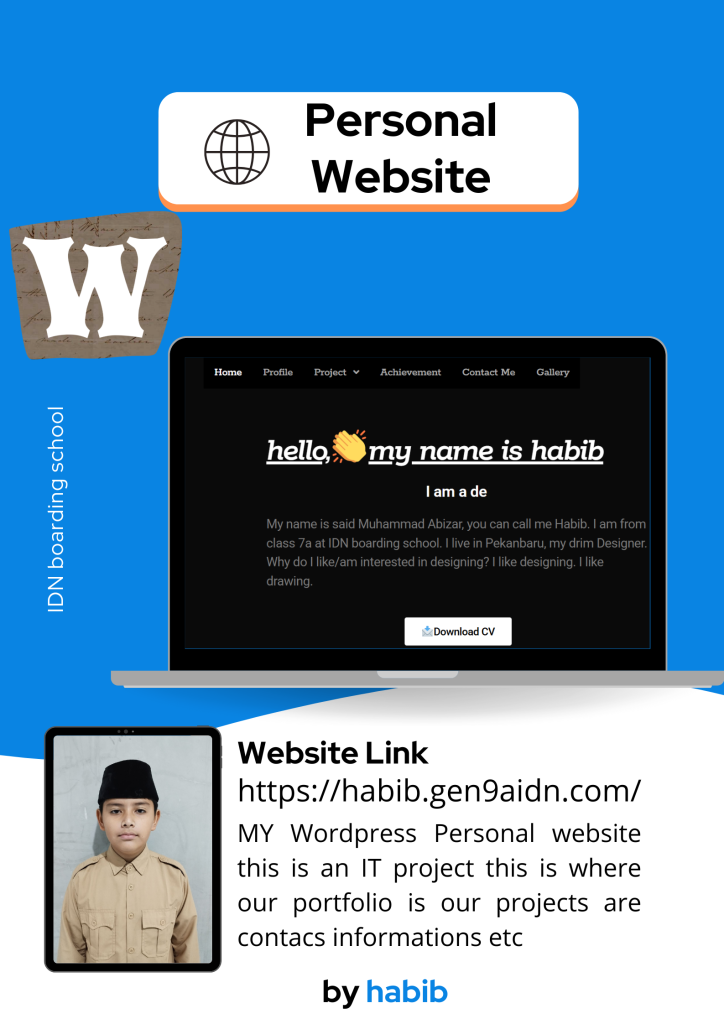
Welcome to my website! I’m a designer dedicated to creating meaningful and impactful work. This website is where I share my portfolio, thoughts, and journey through the world.
I believe that creativity grows from curiosity and the courage to try new things. Here, you’ll find my work, articles, and projects I’m developing.
My mission
To help my life and business express their identity through authentic design, technology, and storytelling. I aim to make every project a fun and valuable collaboration.